✨ New Arrivals Just Dropped!Explore
HomeStore

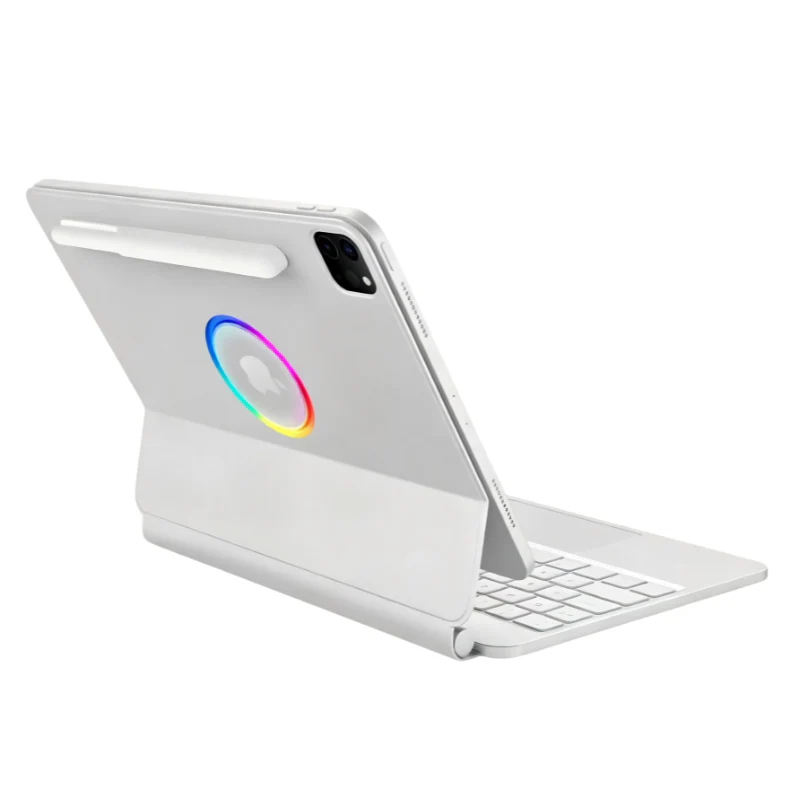
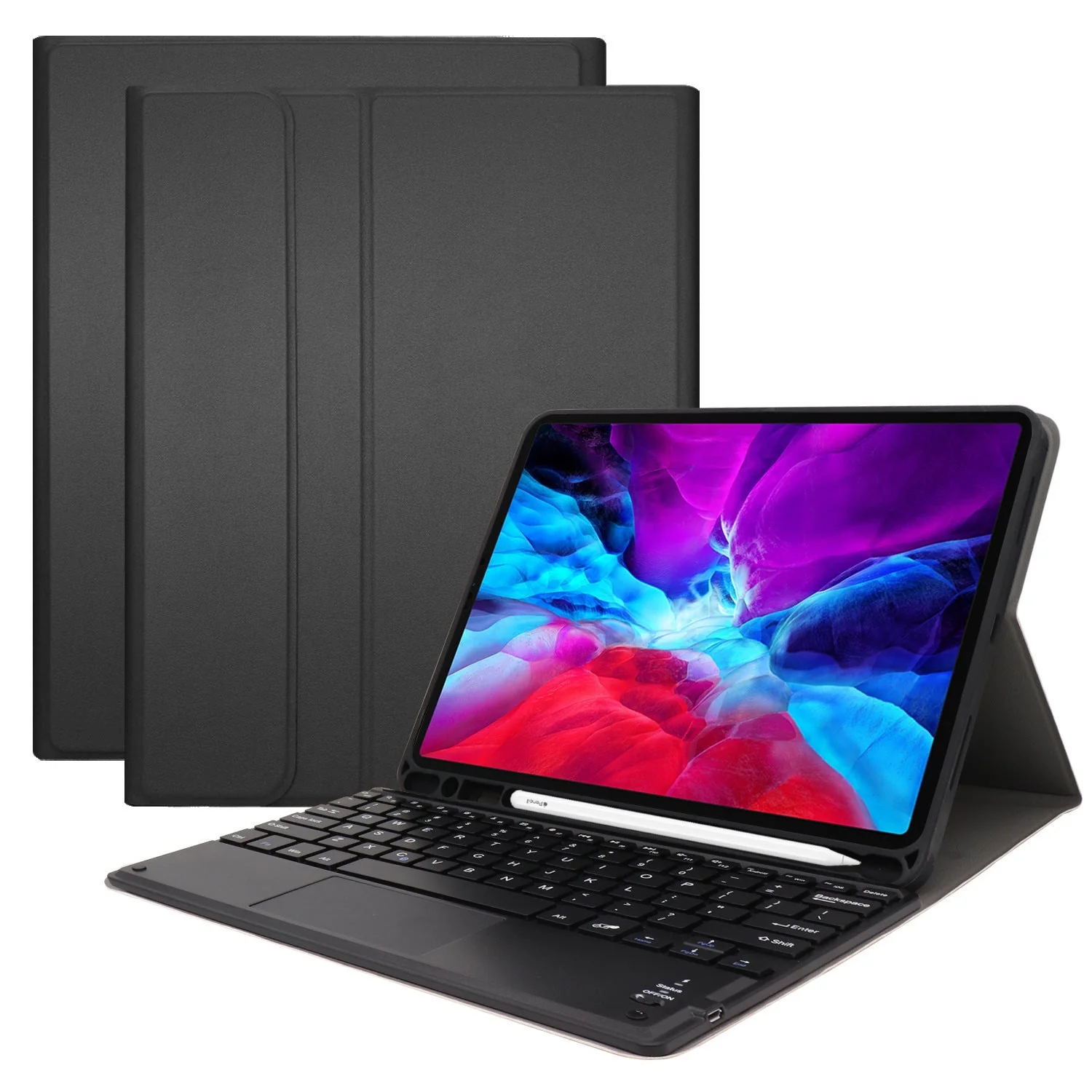
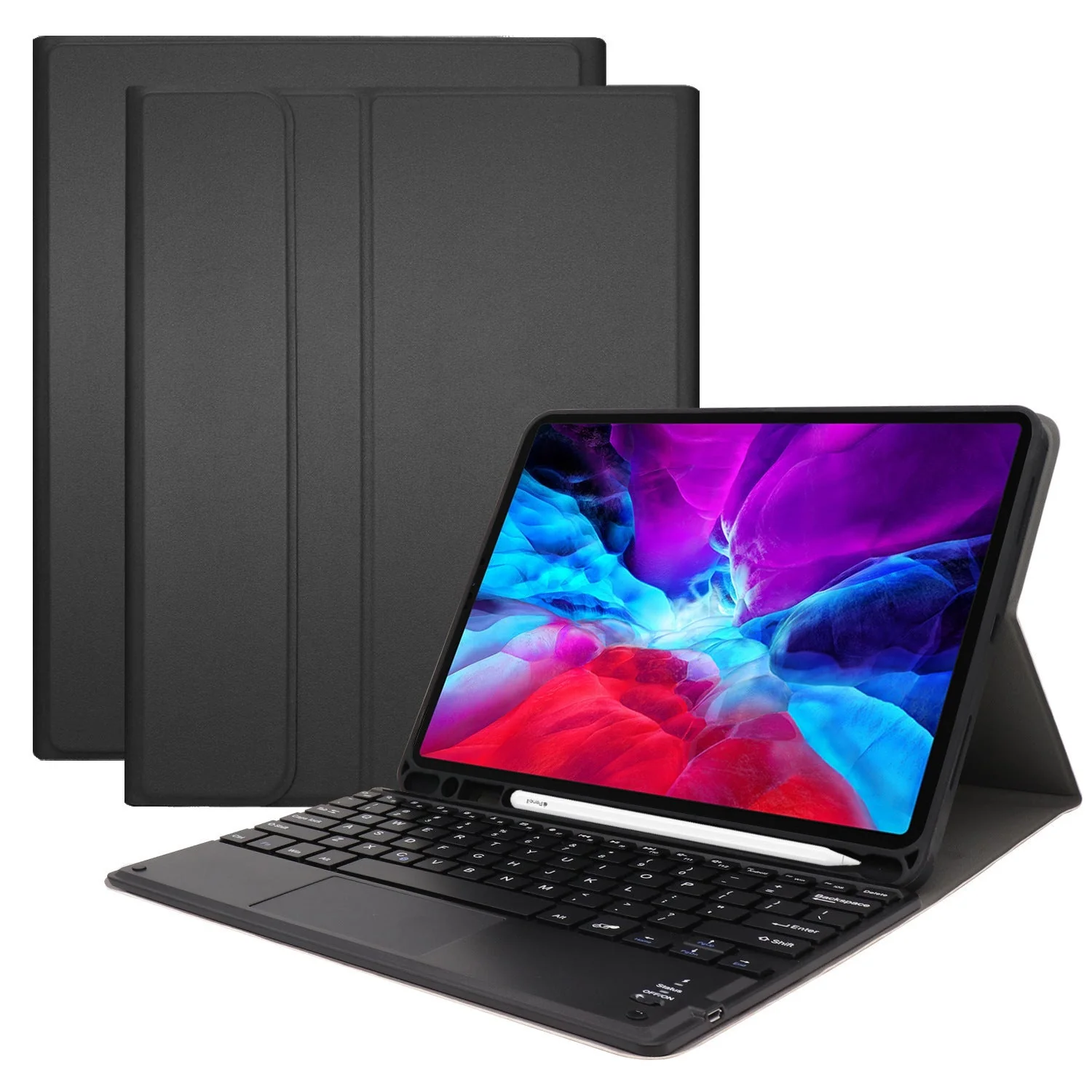
[With Backlit] Apple iPad Pro 3/4/5/6 12.9" & Air 13-inch M2/M3/M4 (2024/2025/2026) - Smart Wireless Trackpad Keyboard Flip Case With Backlit

Product image 1
1 / 3

[With Backlit] Apple iPad Pro 3/4/5/6 12.9" & Air 13-inch M2/M3/M4 (2024/2025/2026) - Smart Wireless Trackpad Keyboard Flip Case With Backlit

Keyboard Layout: US

Compatible with:

  • iPad Pro 3rd Gen 12.9” (2018) [WIFI Only] A1876
  • iPad Pro 3rd Gen 12.9” (2018) [WIFI+Cellular] A1893/A1895/A2014
  • iPad Pro 4th Gen 12.9” (2020) [WIFI Only] A2229
  • iPad Pro 4th Gen 12.9” (2020) [WIFI+Cellular] A2069/A2232/A2233
  • iPad Pro 5th Gen 12.9” M1-Chip (2021) [WIFI Only] A2378
  • iPad Pro 5th Gen 12.9” M1-Chip (2021) [WIFI+Cellular] A2461/A2379/2462
  • iPad Pro 6th Gen 12.9" M2-Chip (2022) [WIFI Only] A2436
  • iPad Pro 6th Gen 12.9" M2-Chip (2022) [WIFI+Cellular] A2764/A2437/A2766
  • iPad Air 13-inch (M2) [WIFI Only] A2898
  • iPad Air 13-inch (M2) [WIFI+Cellular] A2903/A2904
  • iPad Air 13-inch (M3) [WIFI Only] A3268
  • iPad Air 13-inch (M3) [WIFI+Cellular] A3269
  • iPad Air 13-inch (M4) [WIFI Only] A3461
  • iPad Air 13-inch (M4) [WIFI+Cellular] A3462/A3464

First Time Use Pairing Step

1: Switch Side Power Button to "ON" position.

2: Press Button FN & "C" (connect button) at the same time for 1 second

3: Right Hand Signal Blue Light flashing

4: Go to Setting - Bluetooth - Turn On Bluetooth -

5: Find "Bluetooth Keyboard" option - Press and wait for few seconds to be connected


Description:

  • Drop protection
  • Backlit keys (3 levels)
  • Works with the Apple Auto Sleep/ Wake feature
  • Built-in Stylus pen holder
  • Easy to use keys with iOS shortcuts
  • Raised edges around the screen and camera

Features:

Standard micro port
distance:10m
modulation mode: GFSK
voltage:3.0-4.2V
working current:2.5mA
stand by current:0.3mA
sleep current:40uA
charging current:200mA
standby time:60 days
standby time:2hrs
li battery capacity:280mA
working time:120hrs
Select Color
From $36.13
[With Backlit] Apple iPad Pro 3/4/5/6 12.9" & Air 13-inch M2/M3/M4 (2024/2025/2026) - Smart Wireless Trackpad Keyboard Flip Case With Backlit
$36.13

Product Information

Shipping & Returns

Description

Keyboard Layout: US

Compatible with:

  • iPad Pro 3rd Gen 12.9” (2018) [WIFI Only] A1876
  • iPad Pro 3rd Gen 12.9” (2018) [WIFI+Cellular] A1893/A1895/A2014
  • iPad Pro 4th Gen 12.9” (2020) [WIFI Only] A2229
  • iPad Pro 4th Gen 12.9” (2020) [WIFI+Cellular] A2069/A2232/A2233
  • iPad Pro 5th Gen 12.9” M1-Chip (2021) [WIFI Only] A2378
  • iPad Pro 5th Gen 12.9” M1-Chip (2021) [WIFI+Cellular] A2461/A2379/2462
  • iPad Pro 6th Gen 12.9" M2-Chip (2022) [WIFI Only] A2436
  • iPad Pro 6th Gen 12.9" M2-Chip (2022) [WIFI+Cellular] A2764/A2437/A2766
  • iPad Air 13-inch (M2) [WIFI Only] A2898
  • iPad Air 13-inch (M2) [WIFI+Cellular] A2903/A2904
  • iPad Air 13-inch (M3) [WIFI Only] A3268
  • iPad Air 13-inch (M3) [WIFI+Cellular] A3269
  • iPad Air 13-inch (M4) [WIFI Only] A3461
  • iPad Air 13-inch (M4) [WIFI+Cellular] A3462/A3464

First Time Use Pairing Step

1: Switch Side Power Button to "ON" position.

2: Press Button FN & "C" (connect button) at the same time for 1 second

3: Right Hand Signal Blue Light flashing

4: Go to Setting - Bluetooth - Turn On Bluetooth -

5: Find "Bluetooth Keyboard" option - Press and wait for few seconds to be connected


Description:

  • Drop protection
  • Backlit keys (3 levels)
  • Works with the Apple Auto Sleep/ Wake feature
  • Built-in Stylus pen holder
  • Easy to use keys with iOS shortcuts
  • Raised edges around the screen and camera

Features:

Standard micro port
distance:10m
modulation mode: GFSK
voltage:3.0-4.2V
working current:2.5mA
stand by current:0.3mA
sleep current:40uA
charging current:200mA
standby time:60 days
standby time:2hrs
li battery capacity:280mA
working time:120hrs

[With Backlit] Apple iPad Pro 3/4/5/6 12.9" & Air 13-inch M2/M3/M4 (2024/2025/2026) - Smart Wireless Trackpad Keyboard Flip Case With Backlit | i-Station Australia